
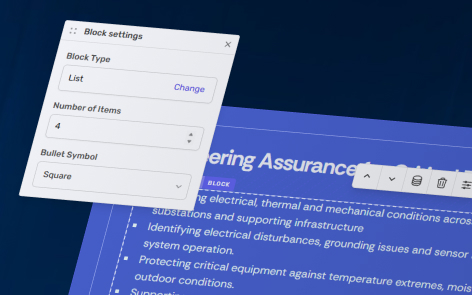
The following information applies to these components


A List block is an ordered group of text with a configurable number of items.
Add a List Block
- Open the block page where you want to add the List.
- Click then .
- Select List and click .
List Block Population
Entries can either be created manually or generated from an attached Content Group.
Manual Population
You can choose to manually populate a List block within a page, useful for when you want to produce a one-off page for a specific topic.

Dynamic Content Population
You can choose to do your content entry away from the page, and in Content Groups. Useful for templated scenarios or adding many products, services and case studies.