
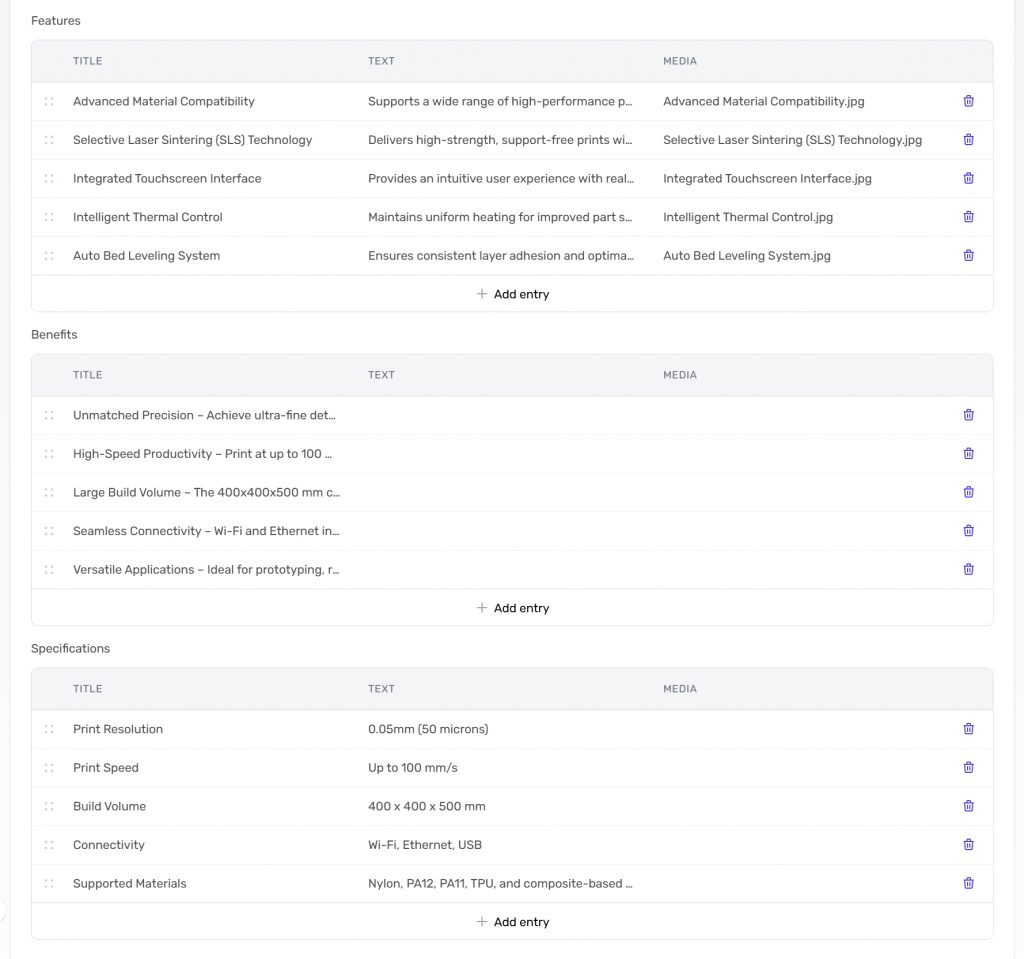
When a content group has a field type of “Repeatable Structure” you can use this for repeatable structures — such as features, benefits, specifications and any other similar items.
Add New Item
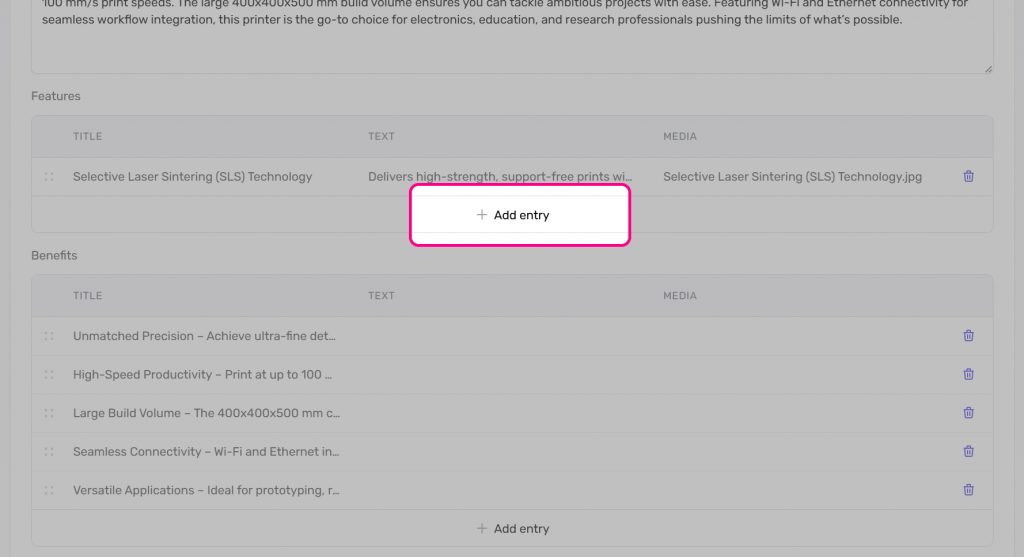
To add a new entry within a repeatable structure, go to the relevant field and click “New item”.
You will then be presented with the following fields:
- Title
- Text
- Media
Each of these is optional and depends on the type of content you wish to use.
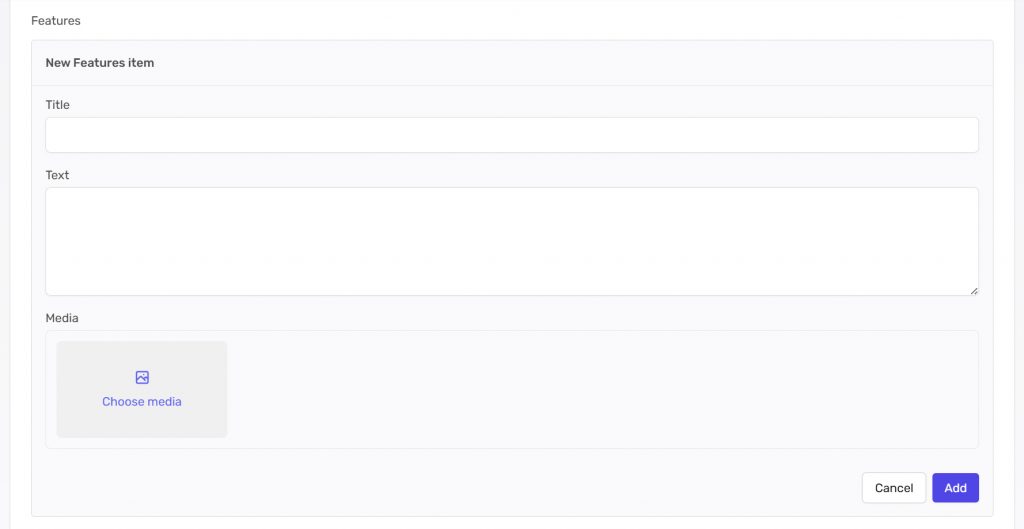
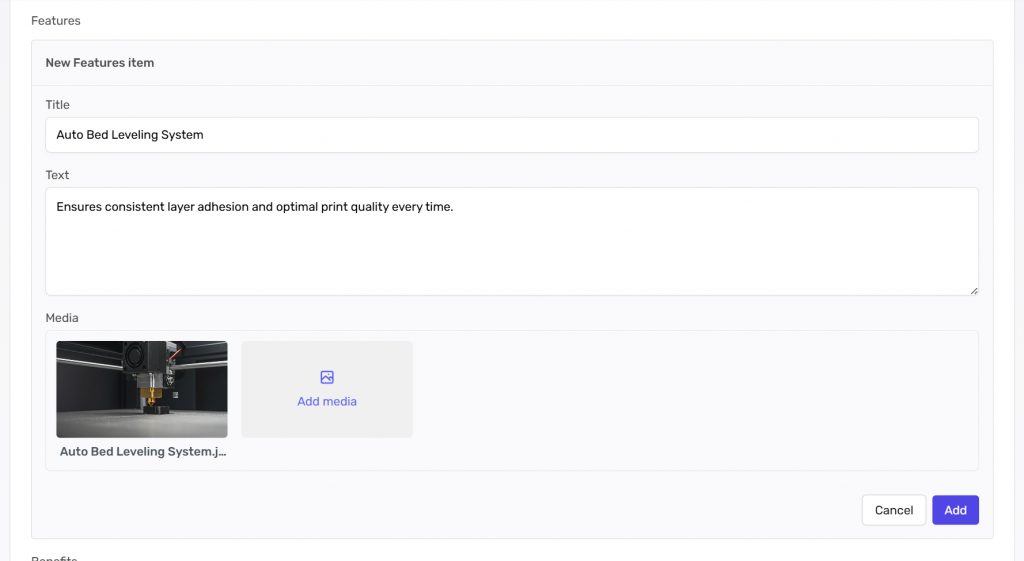
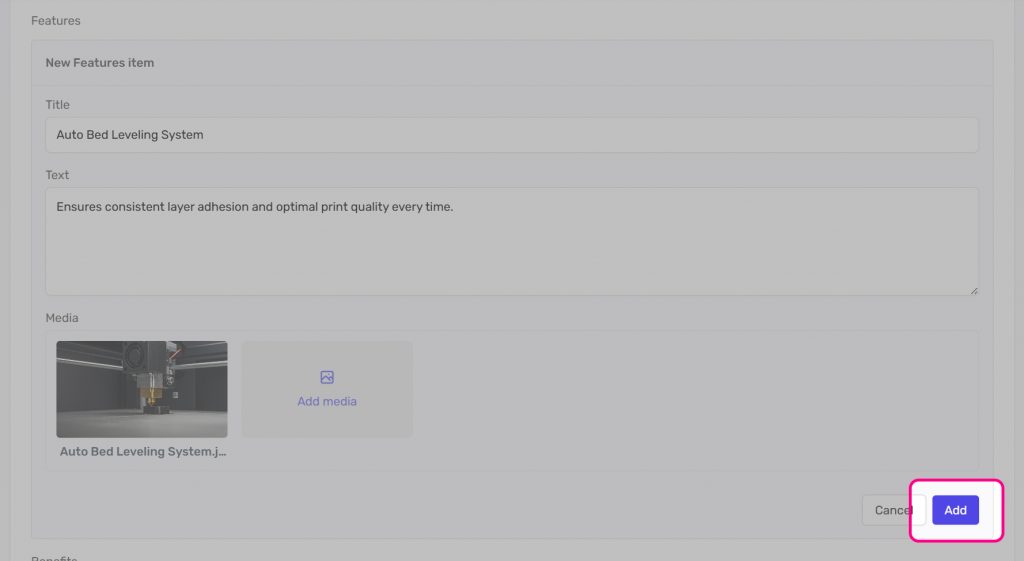
Once you have populated your entry, click “Add”.
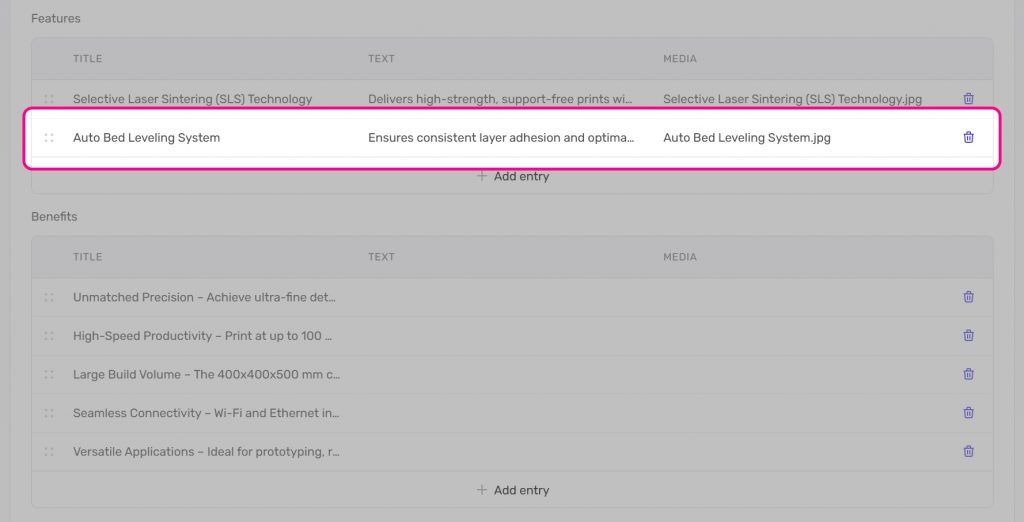
It will then appear as a new entry within the list of entries.
Editing an Entry
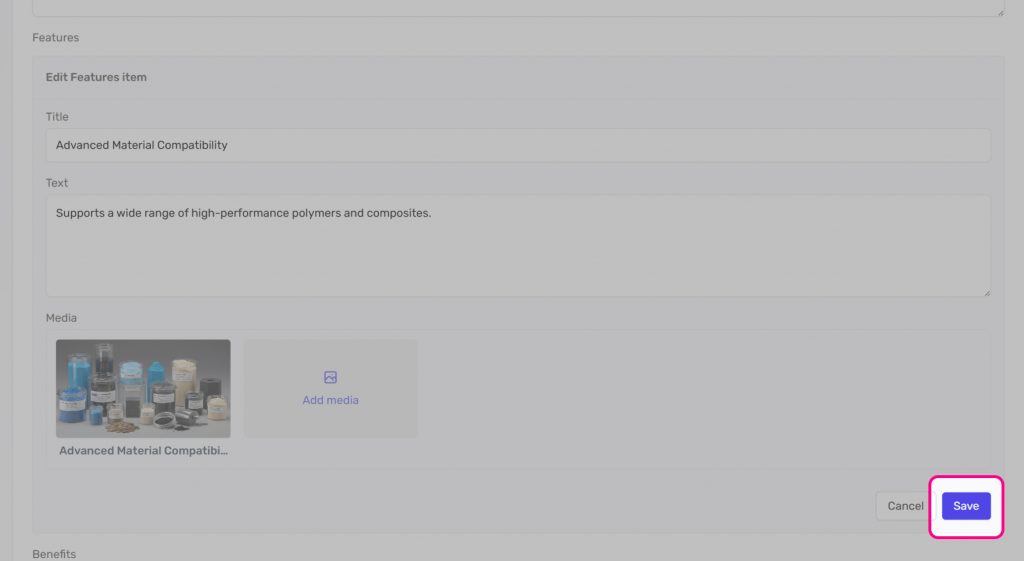
To edit an entry, click on it and it will open up for editing.
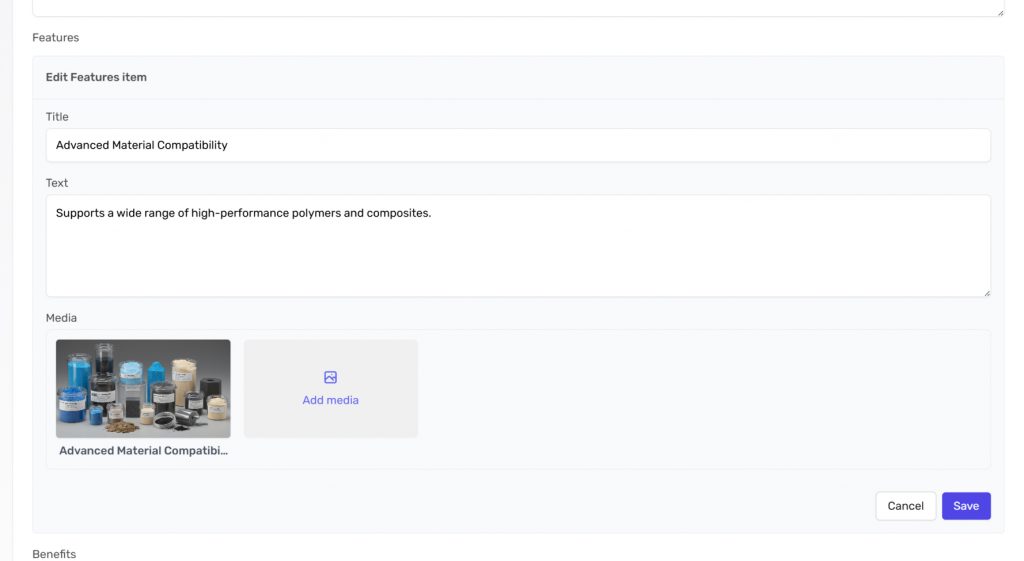
Once you have edited your entry, click “Save”.
Reorganising Entries
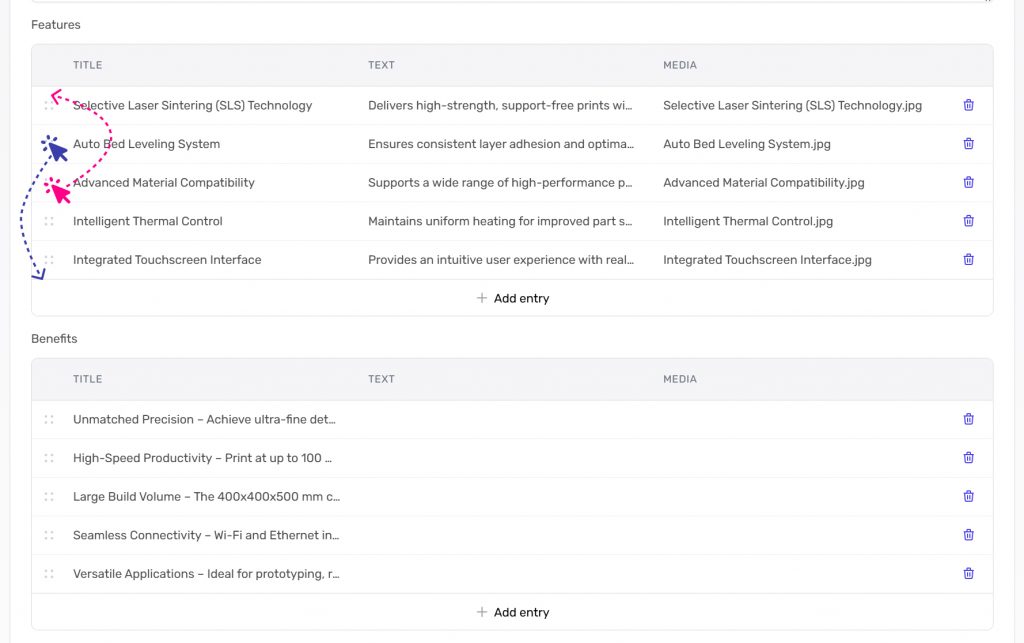
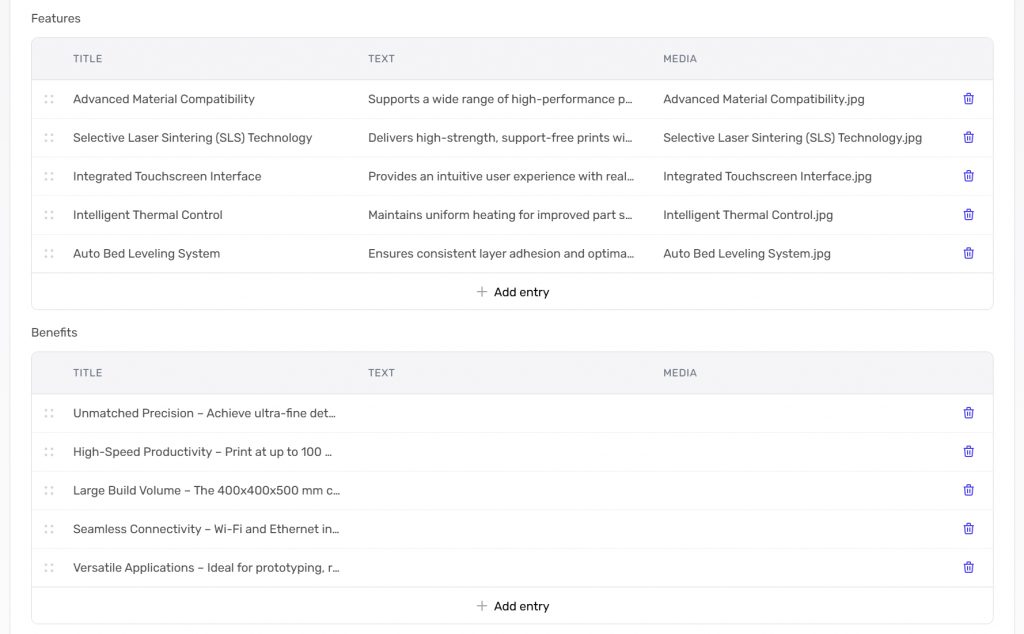
Repeatable structured entries will appear in the order they are in within a content group.
To reorganise, simply drag an item up and down in the list.
Removing Entries
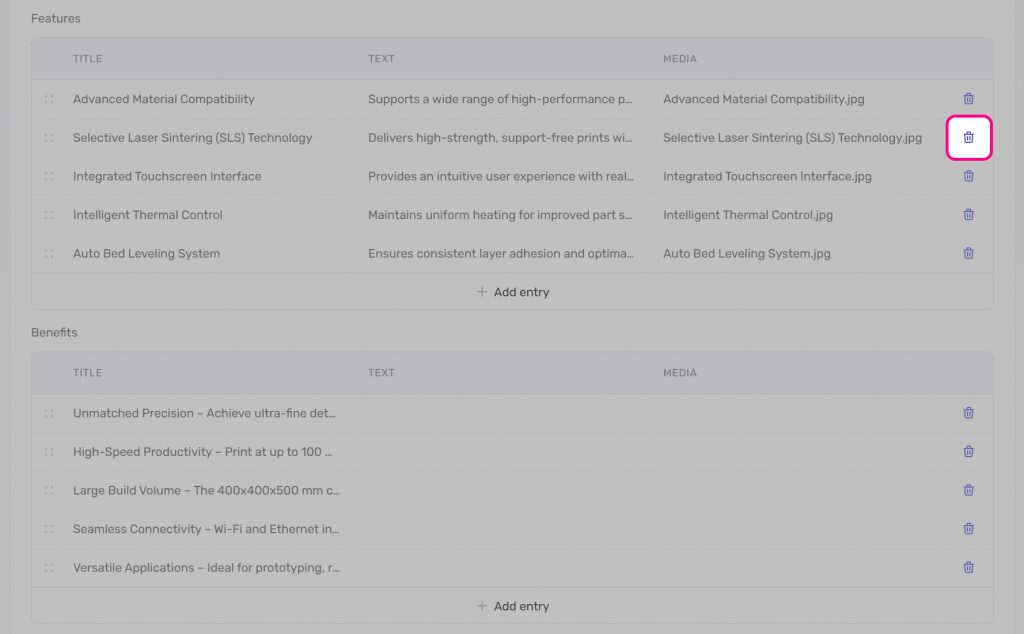
To remove an entry from a repeatable structure, click on the delete button.