
The following information applies to these components
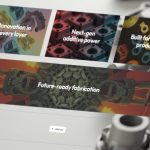
The Related Items Grid block includes a number of display options to control how related content is presented.
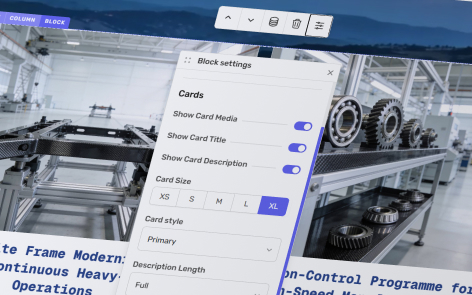
With the relevant related items grid, ensure Block is selected, then click Block Settings.
The following settings are available:
- Show card media – Turn the card image on or off.
- Show card title – Show or hide the item title.
- Show card description – Show or hide the item description.
- Card size – Choose a card size from Extra Small through to Extra Large.
- Card style – Select either the Primary card style from your theme or the Alternative card style.
- Description length – Display the Full description or limit it to between 1 and 6 lines.
- Text alignment – Align the card content to the Left, Centre, Right, or Justify.
- Media fit – Choose whether images use Cover or Contain within the media area.
- Media aspect ratio – Select the aspect ratio used for card images from the available options.
- Button style – Choose from Primary Button, Secondary Button, Chevron, None, or make the Entire Card Clickable.