The following information applies to these components

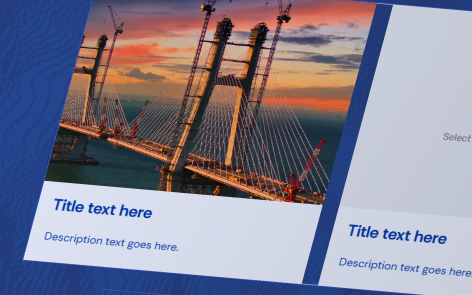
Manual cards are useful when you want complete control over the content displayed.
Click the empty media card to add any item from your media library to the card or upload a new item.
Click the title or description card to type your desired content.
Add further cards
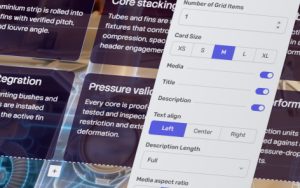
To set your desired number of cards, select the grid and make sure BLOCK is selected in the selection bar that appears above or below the block. Then select the settings button .
From the Settings menu, type your desired number (which will be 1 by default when creating the block) or use the and buttons. If the cards exceeds the horizontal space on the block new cards will start on a new row below the existing ones.