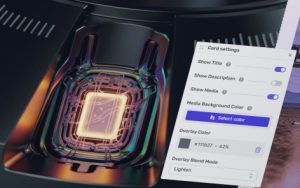
You can easily populate cards within the custom grid.
The following information applies to these components

Each element on the card is optional.
Add Text
To add text to the card, simply click on the placeholder text of either “Title” or “Description” and type your content.
Add Media
You can add an image or video to a card on the custom grid. Click on “Media. Select or upload an asset” and the media library picker will appear.
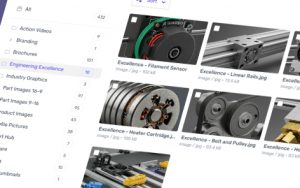
Change Media
To change the media on a card:
- Select the card
- Click on the media, ensure that Card Media label is selected, which appears above or below the card.
- Click the media asset button that appears above the card.
- Then click , which appears.
The media library picker will then appear.
Card Settings
You can control what appears on the card.