
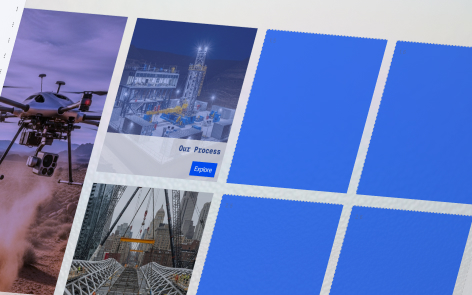
The custom grid allows you to add cards of different sizes easily.
The following information applies to these components

To add a card, select the number of spaces that you’d like to use for your card.
- Select where you would like the card to start, and keep the mouse held down and start to drag

- The space will highlight indicating the size of the card

- Continue to hold the mouse down and drag out to where you want the card to finish

- The space will highlight to indicate the full size of the card

- Release the mouse and your card will be created
