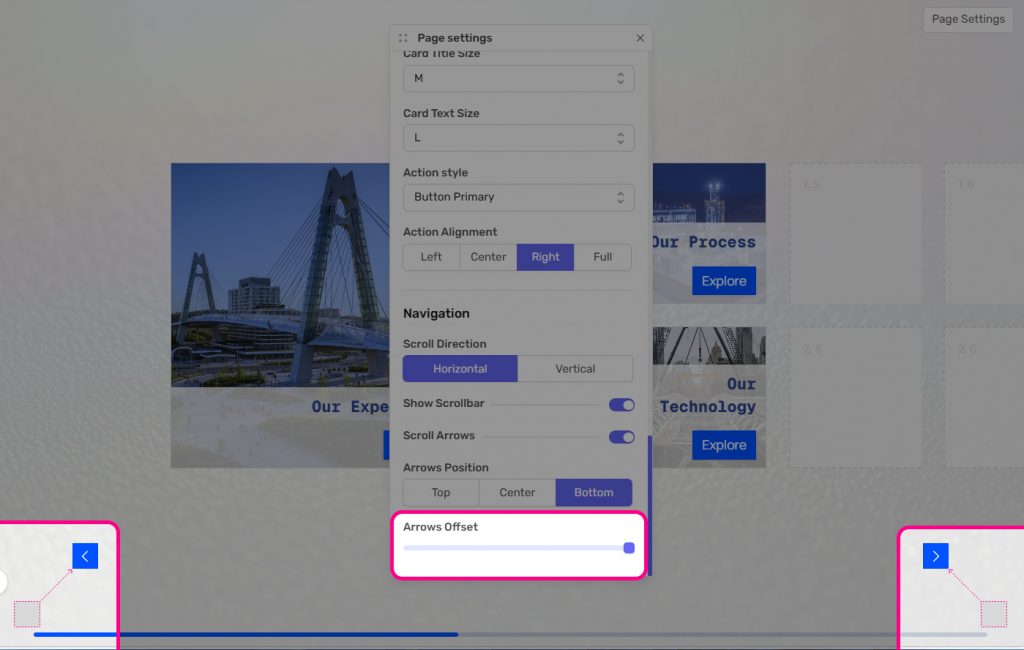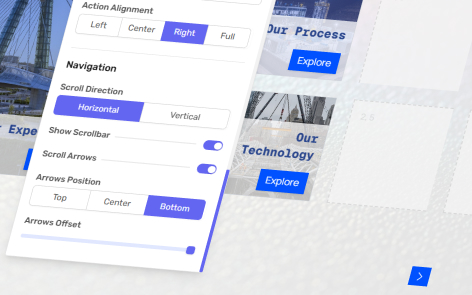
The platform allows you to modify the position of scroll arrows.
The following information applies to these components



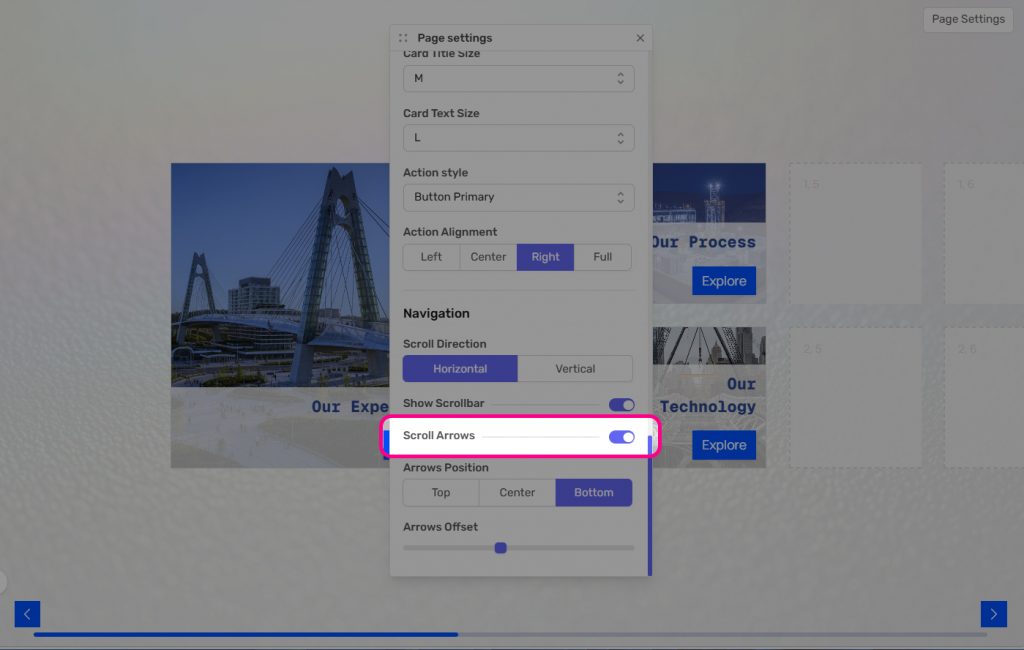
Within Page Settings, under the heading of Navigation, you can control the visibility and positioning of these arrows.
You can turn the arrows on and off by toggling “Scroll Arrows”.
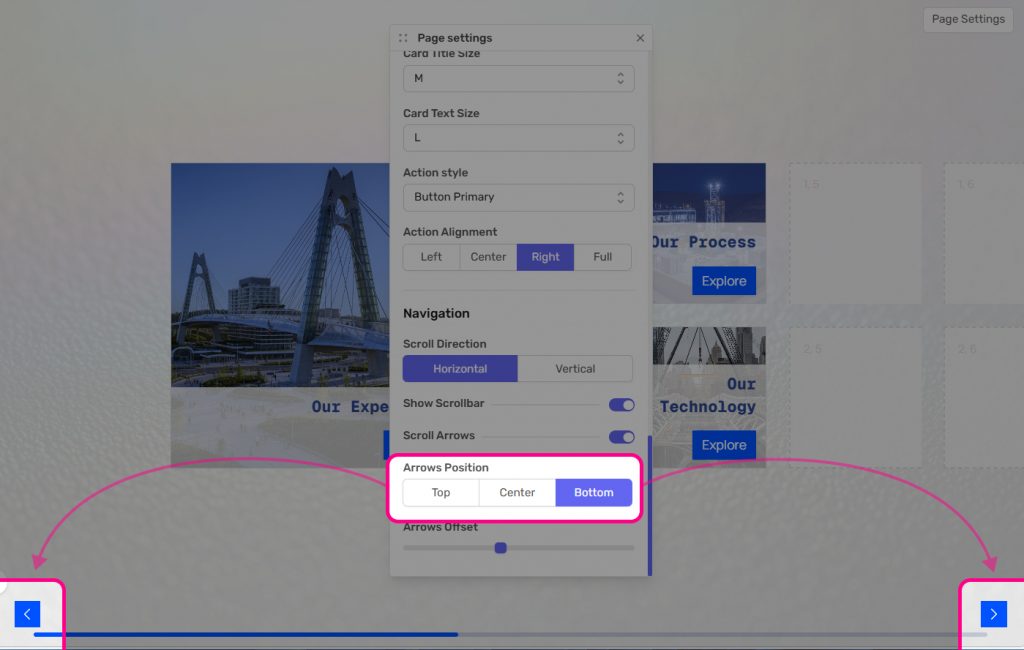
You can position them top, center or bottom of the screen.
You can determine how far they appear from the edge of the screen using the slider “Arrows Offset”