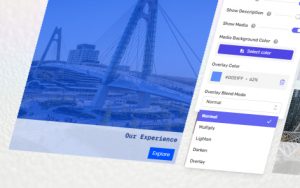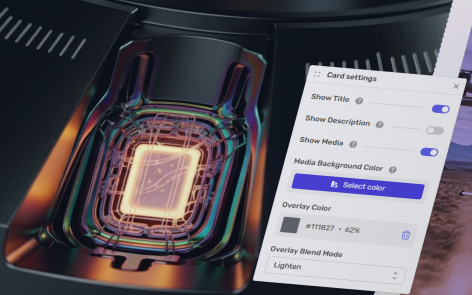
You can easily control the content of an individual custom grid card.
The following information applies to these components

Access the Card Settings
- Select the card
- Click Card which appears above or below the card.
- Click the settings button that appears above the card.
Options
Show Title
Turn the title on and off
Show Description
Turn the description on and off
Show Media
Decide whether to show a media asset on the card.
Media Background
If no image is shown on the card, or you use an image with transparent areas (such as a PNG or SVG), then this is the background color of the card.
Click to open the color picker.
Overlay Color