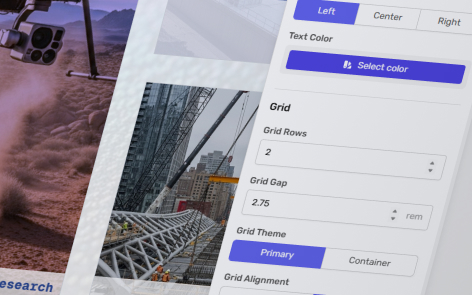
You can easily change the spacing between cards on the custom grid.
The following information applies to these components

To change the space between cards on the grid, click on in the top right-hand corner.
Under the “Grid” section, change “Grid Gap” either by inputting a value or using the up/down arrows to increase/decrease the amount of spacing between the cards on the grid.