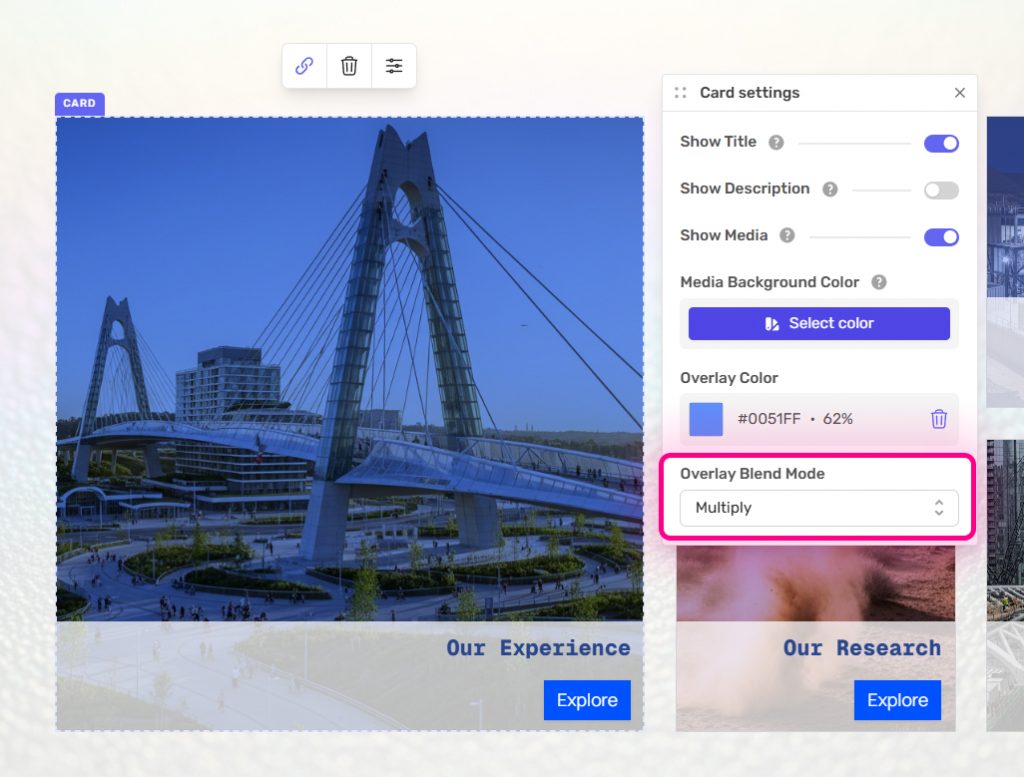
Each card on the Custom Grid can have an overlay added to the media. With the card selected, click on settings.
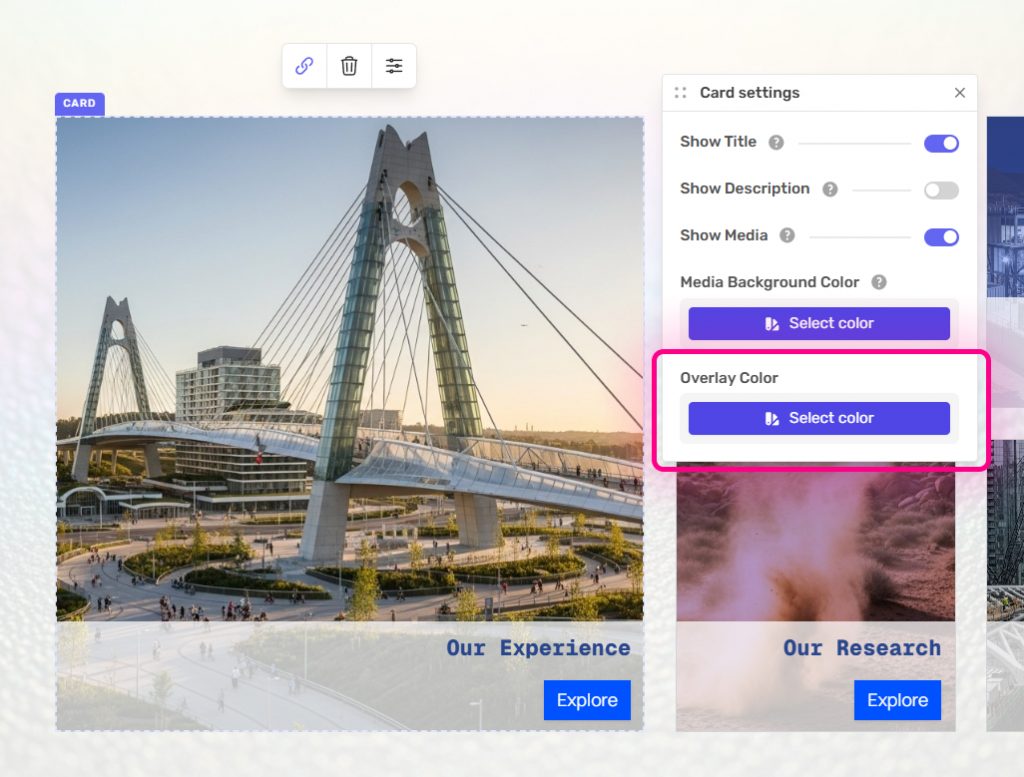
You can then set the overlay color by clicking “Overlay Color”.
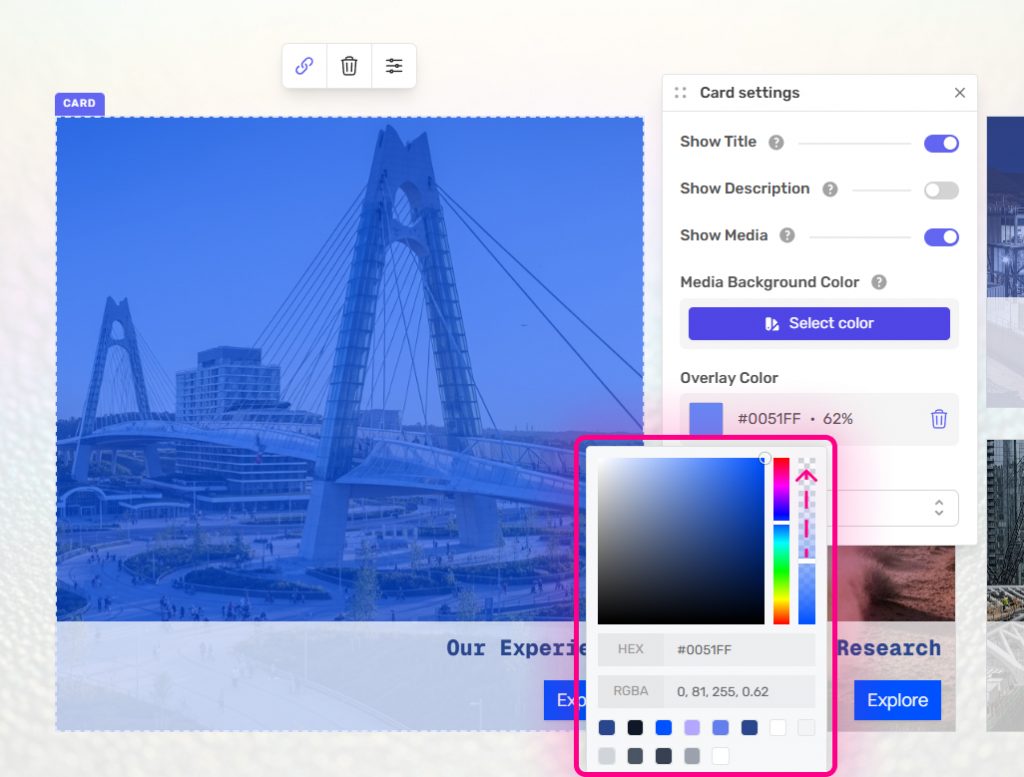
From the color picker, select your overlay color. By default opacity is set at 100%, so adjust this accordingly.
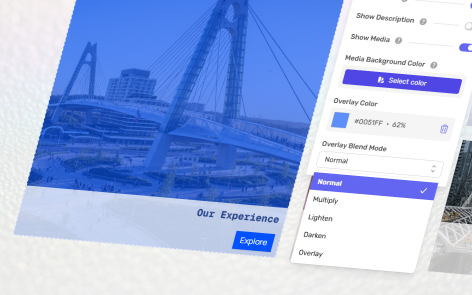
You can also apply different blend modes using the dropdown “Overlay Blend Mode”.
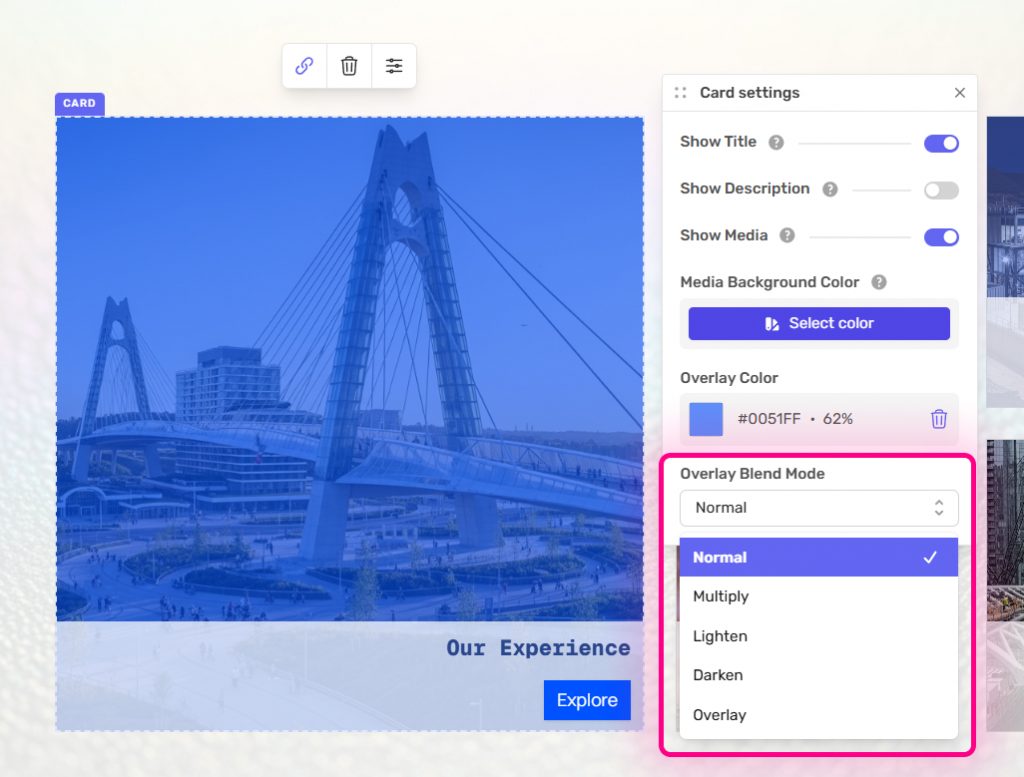
The blend mode will be automatically applied. You can control the strength by adjusting the opacity of the Overlay Color.